Smart home
Smart Garage Door Controllers: Open Your Garage from Your Phone
A smart garage door controller connects to your existing electric opener's wall-button terminals and adds a sensor that knows whether the door is open or closed. You can then open, close and check the door from your phone, share access with family and get alerts if it is left open. It works with most openers that use a simple push-button wall control.
"Did I close the garage?" A smart garage controller answers that question from anywhere, and lets you fix it with a tap.
How it works
The controller is a small box wired to your existing opener's wall-button terminals, so it can "press the button" for you. A separate door sensor reports whether the door is open or closed. Your remotes and wall button keep working as before.
What you can do with it
- Open and close the door from your phone.
- Check the status in real time.
- Get alerts if the door is left open at night.
- Share access with family members.
- Voice control with Alexa or Google Assistant.
- Automate: close at 10 pm if left open, or notify you when it opens.
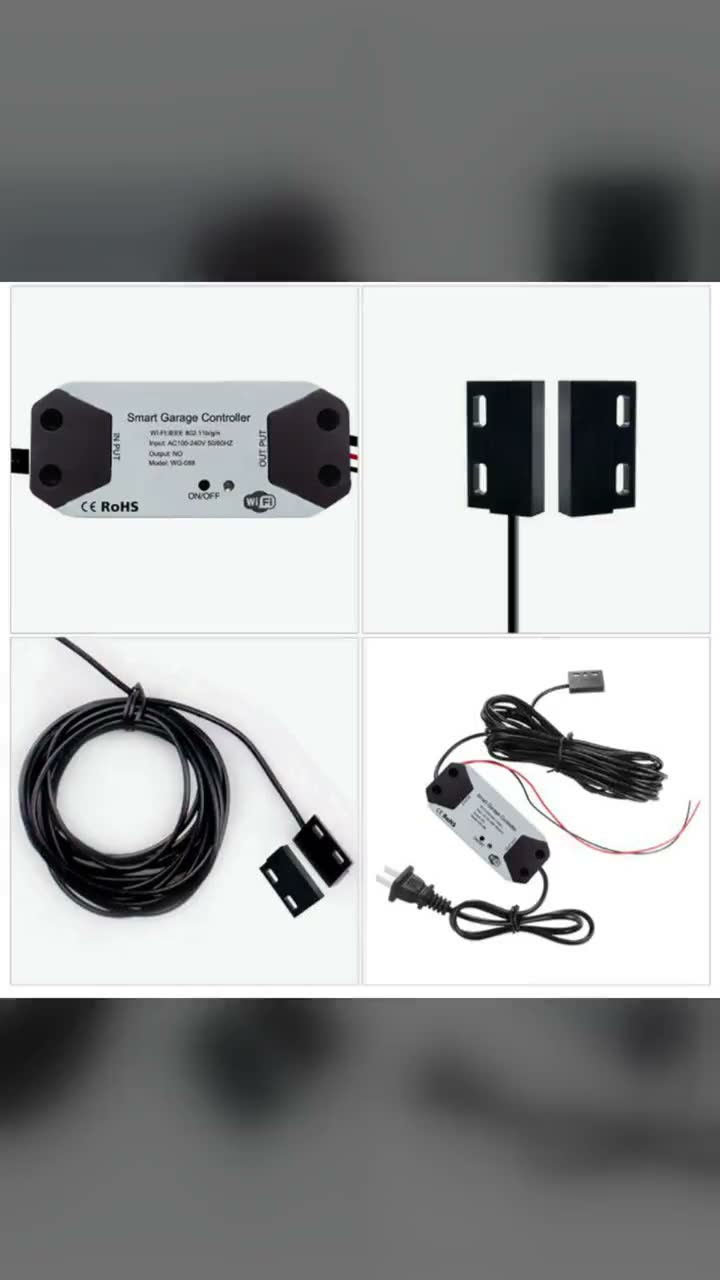 Wi-Fi Garage Door ControllerOpen, close and check the door in the app, with voice control and shared access.Watch the reel →
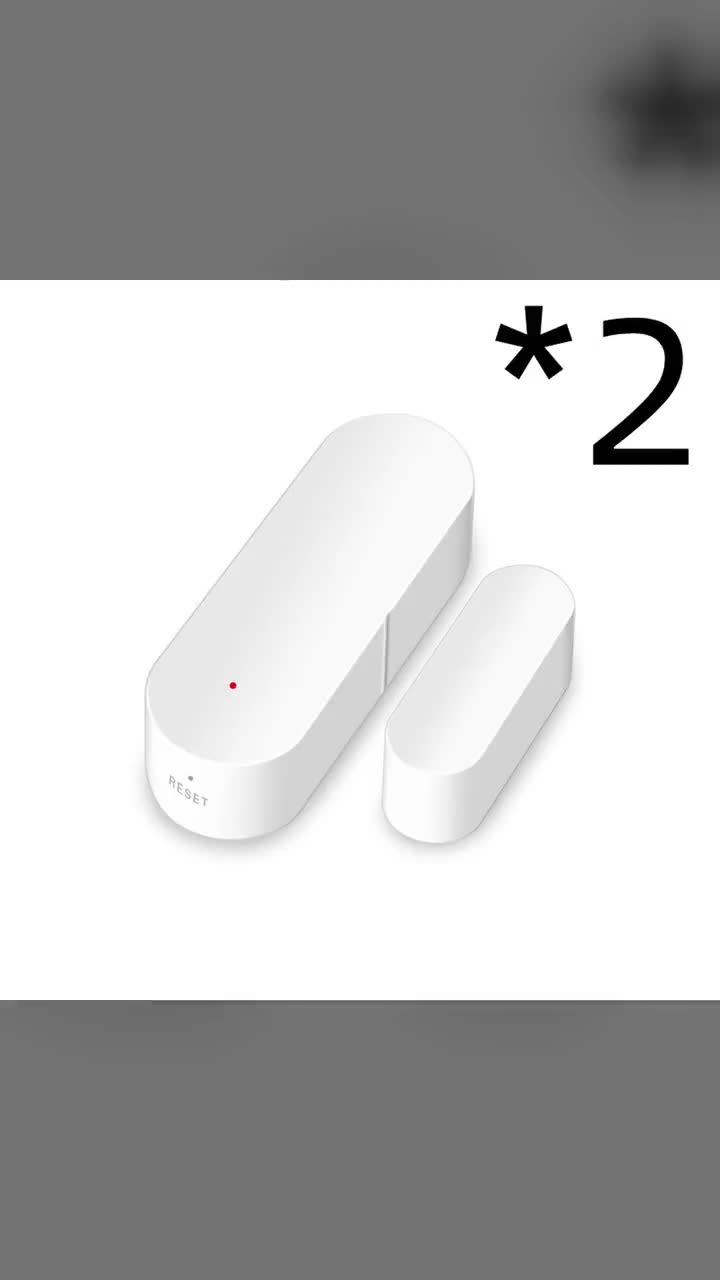 Tuya Wi-Fi Door SensorAdd to a side or garage access door for open alerts.Watch the reel →
Check compatibility before buying
- You need an electric opener already installed.
- Look at the wall button. Simple two-wire push-button controls are the easiest to connect.
- Some newer openers use coded or multi-function wall consoles; these may need an extra adapter.
- You need 2.4 GHz Wi-Fi in the garage. If the signal is weak, a Wi-Fi extender helps.
Installation basics
- Unplug the opener.
- Connect the controller's two wires to the opener's wall-button terminals, alongside the existing wires.
- Fit the door sensor on the door and its magnet or reference point on the frame, as the manual shows.
- Power the controller, pair it in the app and test with the door in view.
If you are not comfortable with low-voltage wiring, ask a handyman or garage-door technician.
Safety first
Garage doors are heavy. Before using remote closing:
- Check the opener's safety sensors (the beams near the floor) are aligned and working.
- Test auto-reverse by placing an object, such as a roll of paper towels, in the door's path.
- Only close remotely when you are sure nothing and nobody is underneath, ideally with a camera view.
More smart-home basics: door and window sensors and Alexa vs Google Assistant.
Frequently asked questions
Will a smart garage controller work with my opener?
Most work with electric openers that have a simple two-wire push-button wall control. Some newer openers use coded or digital wall consoles that need an adapter, so check your opener model first.
Is it safe to close a garage door remotely?
Only if your opener's safety sensors (the beams near the floor) and auto-reverse work properly. Check the door is clear on a camera if you can, and test the safety reversal regularly.
Can I share garage access with family?
Yes. The app lets you invite other users, which is handy for family members, dog walkers or deliveries, and you can remove access at any time.
What happens if the Wi-Fi goes down?
Your existing remotes and wall button keep working as before; only phone control and alerts pause until the connection returns.